

From console
How to manually configure your IP-address from the console
Log in as user 'setup'. You don't need a password.

Select "Network configuration".

Select eth1.

Uncheck dhcp and enter your IP-address, netmask and gateway.

From webadmin
Configuration -> Settings ->Network configuration
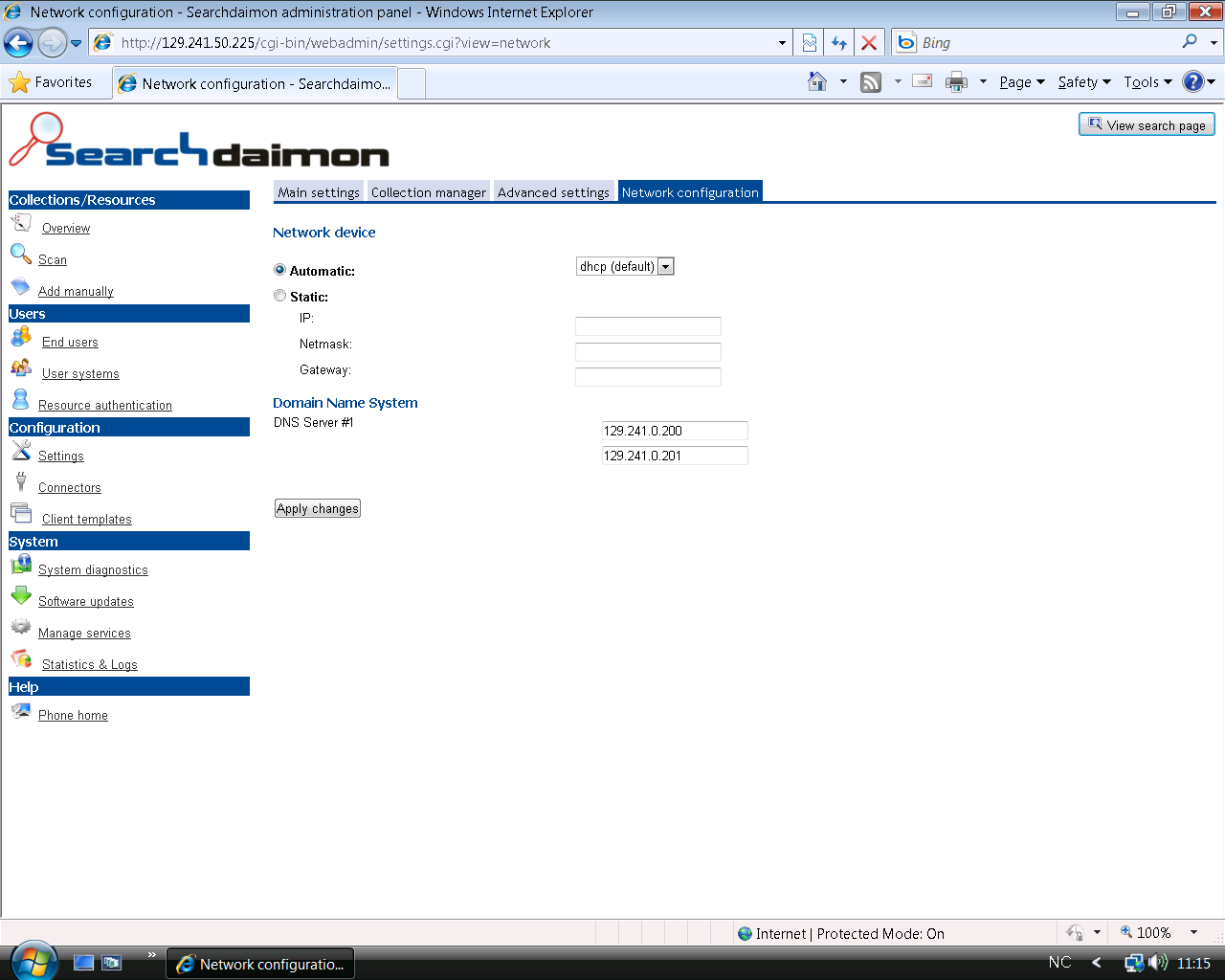
Click to enlarge.
You can change the servers network settings from the Configuration Settings ->Network configuration.